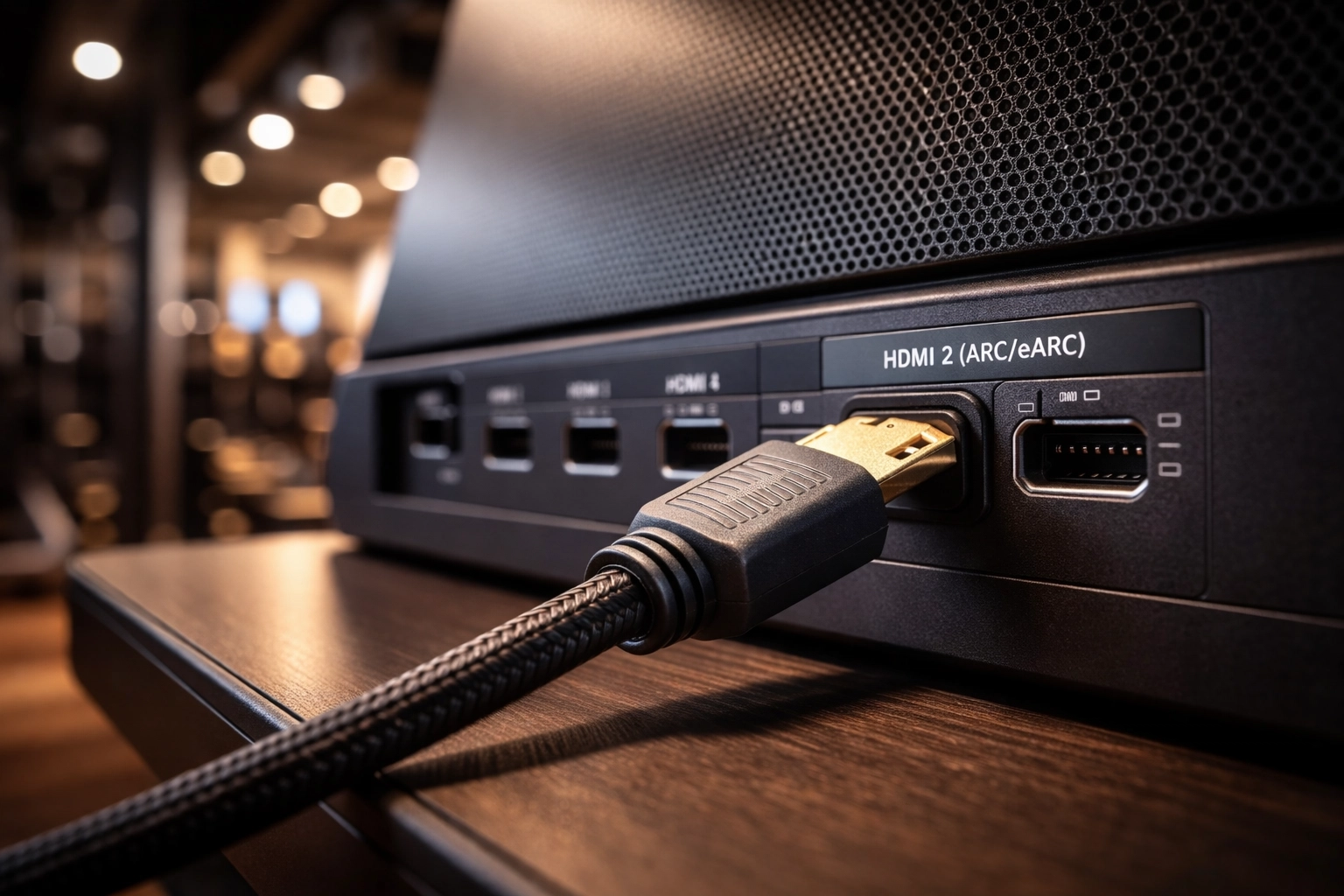
Many modern consumer televisions now provide only a single audio output option, HDMI ARC or HDMI eARC. While this works well for soundbars and AV receivers, it often creates confusion when connecting devices that need to receive audio from the TV but do not support HDMI ARC themselves.
This article explains what HDMI ARC actually does, why compatibility issues occur, and provides a clear checklist to help determine whether an adapter is required and which type is appropriate.
What HDMI ARC Is and What It Is Not
HDMI ARC, or Audio Return Channel, allows a television to send audio backward over an HDMI cable to another device. It was designed primarily for soundbars, AV receivers, and integrated home theater systems.
HDMI ARC is not a general purpose audio output. It does not behave like analog audio, optical audio, or a standard digital line output. Instead, it relies on HDMI handshaking, supported audio formats, and device to device negotiation.
If the receiving device does not explicitly support HDMI ARC, audio will not pass, even if the physical HDMI connection exists.
Why Compatibility Issues Occur
Many devices that require audio from a television are designed to accept two channel PCM audio, analog audio such as RCA or 3.5 mm, or standard digital audio that does not include Dolby surround formats.
These devices may be current, actively sold, and intentionally designed without HDMI ARC or eARC support. HDMI ARC is simply not part of their intended function.
When a television outputs audio only via HDMI ARC and does so using Dolby Digital or Dolby Digital Plus, compatibility breaks unless the signal is converted.
Before Buying an Adapter, Try These Steps First
Before assuming additional hardware is required, work through the steps below. In many cases, correct TV settings alone resolve the issue.
Step 1, Check the Digital Audio Output Setting
Navigate to your TV audio settings:
Settings, Audio, Digital Audio Output
Common options include:
PCM
Dolby Digital
Dolby Digital Plus
Auto
Passthrough
Set this option to PCM if available.
Why this matters, PCM forces the television to output two channel stereo audio, which is compatible with the widest range of devices.
If audio works after switching to PCM, no adapter is required.
Step 2, Disable Auto or Passthrough
If the TV is set to Auto or Passthrough, it may be sending Dolby Digital 5.1 even when the connected device cannot decode it.
Explicitly select PCM or Stereo instead.
Step 3, Check HDMI ARC or eARC Mode
Some televisions provide a separate HDMI eARC setting:
Settings, Audio, HDMI eARC Mode
Try the following sequence:
Set eARC to OFF and test audio
Then try AUTO if needed
Certain devices and adapters behave more reliably when the TV operates in standard ARC mode.
Step 4, Test Using a Built In TV App
Use an internal TV app such as Netflix, YouTube, or Prime Video. This confirms that the TV is actually sending audio over ARC and that the issue is not caused by an external source format.
Step 5, If PCM Is Not Available or Is Ignored
If PCM is not available, the TV forces Dolby output, or audio still does not reach the device, settings alone will not resolve the issue.
At this point, an adapter is required.
When an HDMI ARC Adapter Is Necessary
An adapter is required when the television outputs audio only via HDMI ARC or eARC, the receiving device does not support HDMI ARC, or the receiving device does not accept Dolby Digital 5.1.
In these cases, the adapter must do more than extract audio. It must convert it.
Not All HDMI ARC Adapters Are the Same
This is a common source of confusion.
Basic ARC extractors pull audio from HDMI ARC but pass Dolby audio through unchanged. These do not solve compatibility issues if the device requires stereo PCM.
ARC down mixing converters accept Dolby Digital 5.1 and convert it to two channel PCM, outputting analog or stereo digital audio. If the receiving device does not support Dolby decoding, a down mixing adapter is required.
Products such as HDMI ARC audio down mixers from manufacturers like OREI are designed specifically for this purpose, converting Dolby surround output from a television into a usable stereo signal.
How to Choose the Right Adapter
Use the following quick reference:
If your TV outputs only HDMI ARC or eARC, an adapter is required.
If your device does not support HDMI ARC, an adapter is required.
If your device accepts only stereo or analog audio, the adapter must support Dolby down mixing to PCM.
If your device accepts Dolby Digital 5.1, a basic ARC extractor may be sufficient.
Key Takeaway
HDMI ARC was designed for home theater playback, not as a universal audio output standard.
As televisions continue to remove traditional audio outputs, adapters are becoming a normal part of system integration whenever audio must be delivered to devices outside the HDMI ARC ecosystem.